Electronic Learning Toys, Post
How Smart Digital Microscopes Inspire Next Gen Scientists
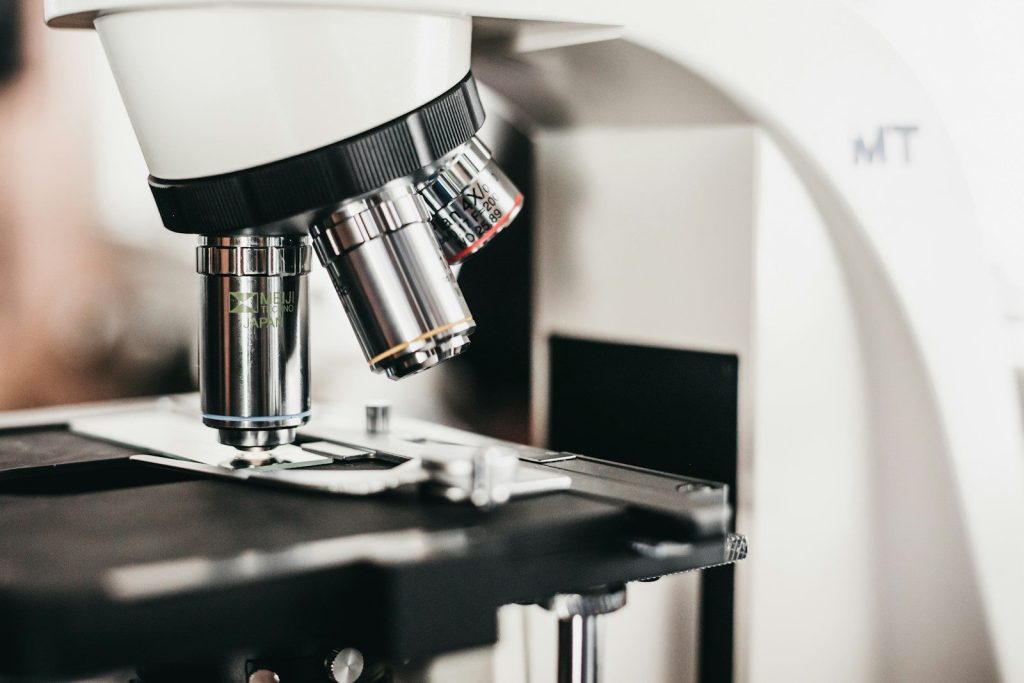
May
How Smart Digital Microscopes are Inspiring the Next Generation of Scientists
Every child is born a natural scientist. They possess an innate curiosity, constantly asking “why” and looking closely at the tiny details of the world around them. While science textbooks provide the “documentation” and foundational knowledge of our world, nothing sparks a true, lifelong passion for biology and chemistry quite like seeing the hidden microscopic universe with your own eyes. In the past, this meant struggling with heavy, complicated optical microscopes that often caused more frustration than inspiration. Today, the landscape of home education has undergone a total “system upgrade.” A smart digital microscope for kids has revolutionized at-home scientific exploration, making the invisible world brilliantly clear, highly accessible, and incredibly fun to discover.
For a young student today—perhaps one already familiar with complex systems like Node.js or front-end frameworks—a microscope represents the ultimate “hardware-level” exploration. It is not just a toy; it is a high-performance diagnostic tool for the physical world. By transitioning from analog lenses to digital sensors, these devices have effectively removed the “latency” between curiosity and discovery, allowing kids to “debug” nature in real-time.
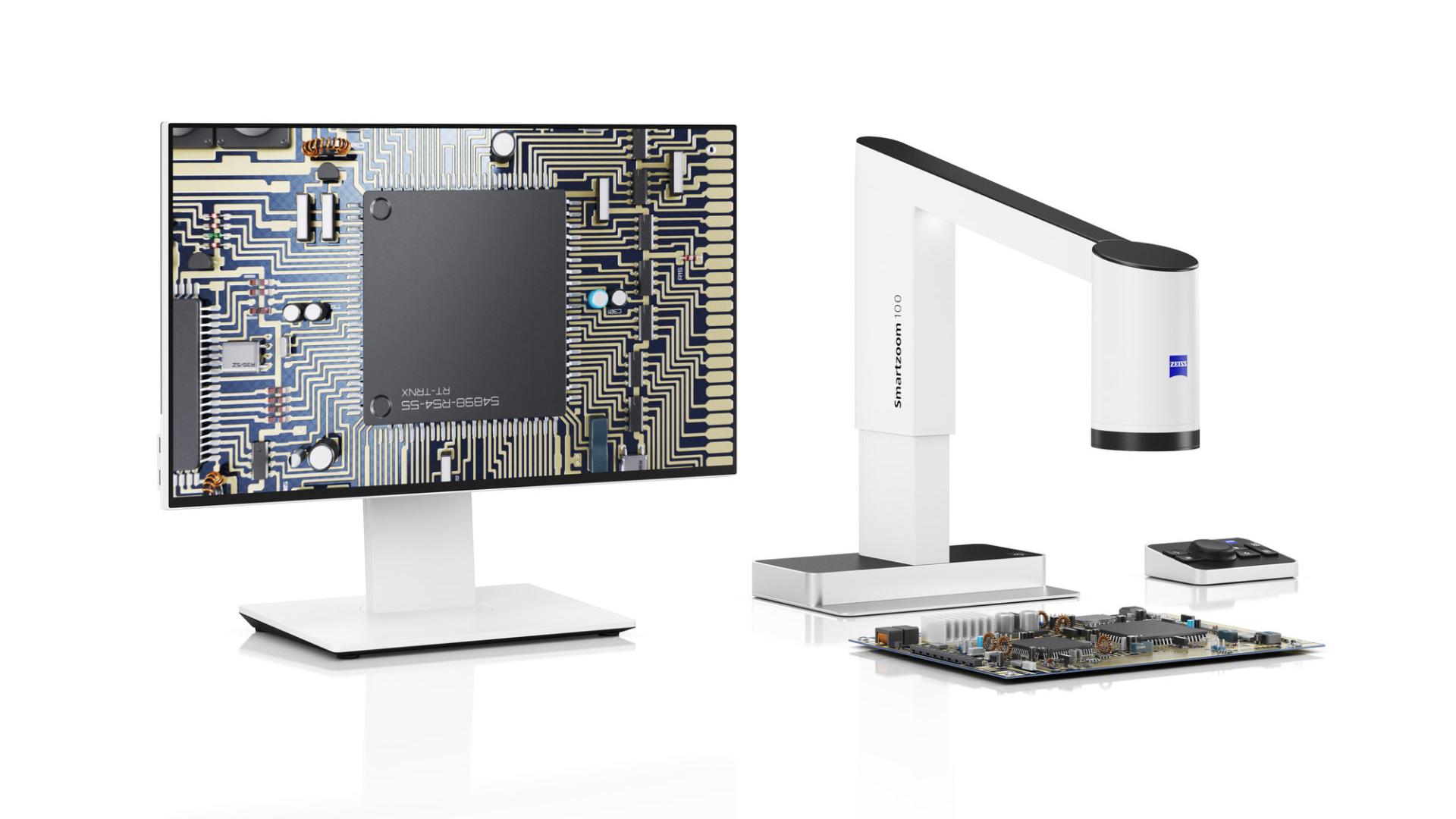

A smart digital microscope for kids brings biology to life on a bright, easy-to-read LCD screen.
The Frustrations of Traditional Microscopes vs. The Digital Revolution
If you remember using the microscopes from your high school science class, you likely remember squinting through a tiny, uncomfortable optical eyepiece, struggling to angle the mirror to find a light source, and trying endlessly to focus on a blurry slide. In technical terms, traditional optical microscopes had a terrible “user interface” (UI). A smart digital microscope for kids eliminates every single one of those traditional bottlenecks by modernizing the entire “hardware stack.”
The End of Eye Fatigue
Instead of forcing a child to close one eye and squint through a small tube—a process that leads to rapid eye fatigue and a loss of focus—these modern scientific devices feature a built-in, high-definition LCD screen (often around 4.3 to 5.0 inches in size). The magnified image of the specimen is projected directly onto this display using high-speed data processing. This allows a child to view cellular structures, insect wings, or fabric fibers with both eyes comfortably open. It is the difference between reading raw code in a terminal versus seeing a beautifully rendered React dashboard; the clarity makes the learning experience instantly gratifying.
Key Features of a Premium Smart Digital Microscope for Kids
When optimizing your home laboratory, selecting a device with high hardware performance is essential. Here are the standout features that define a top-tier digital microscope in 2026:
1. Extreme Magnification and Resolution Scaling
Despite being designed for younger users, a premium smart digital microscope for kids packs serious technological power. They typically offer an easily adjustable magnification range starting at 50x and zooming all the way up to an astonishing 1000x or 1200x. This intense level of magnification is more than enough to observe plant cells, salt crystals, and even the “hardware” of tiny microorganisms. The magnification ($M$) can be calculated as the product of the optical lens power and the digital zoom factor:
$$M_{total} = M_{optical} \times M_{digital}$$
2. The “Backlight” of Science: Adjustable LED Illumination
Proper lighting is the “CSS” of microscopy—it defines how clearly you see the structure. Modern digital microscopes are equipped with adjustable LED lighting rings built directly around the camera lens. This ensures that the subject is always perfectly and evenly illuminated, regardless of whether you are working in a dim classroom or a bright kitchen. By controlling the brightness, students can highlight different textures, much like adjusting the contrast and saturation in GIMP to make an asset pop.

View intricate details up to 1200x magnification with stunning clarity.
The Multimedia Advantage: Capture, Save, and Share
One of the most profound advantages of a smart digital microscope for kids is its advanced multimedia capability. Science is inherently collaborative, much like an open-source project. With a traditional optical microscope, only one person can view the slide at a time, creating a “single-threaded” experience. With the large LCD screen, parents, siblings, and classmates can all look at the results simultaneously, sparking immediate conversation and teamwork.
The SD Card Slot: Version Control for Discoveries
These smart devices usually feature a MicroSD card slot. With a single click, your young researcher can capture high-resolution photographs or record 1080p video footage. This is essentially “version control” for their scientific progress. These files can be transferred to a computer to be used in school presentations, Node.js-based science blogs, or shared on social media. It turns a fleeting observation into a permanent piece of data.
“Physical Debugging”: Developing the Scientific Mindset
For a student involved in IT and full-stack development, the scientific method is remarkably similar to debugging code. You start with a hypothesis (why is the system failing?), you isolate the variables (the specimen), and you observe the output at a granular level. Using a microscope encourages this methodical, logical thinking. Whether they are troubleshooting a wobbly structure in Minecraft Stoneblock 4 or analyzing the vein structure of a leaf, they are learning to pay attention to the “back-end” logic of the world.
| Specification | Educational Impact |
|---|---|
| LCD Screen (4.3″ – 5.0″) | Eliminates eye strain; allows for group viewing and collaboration. |
| 1000x – 1200x Zoom | Provides cellular-level resolution of biological and mineral samples. |
| 8 Adjustable LEDs | Optimizes image quality regardless of environmental lighting conditions. |
| HDMI / USB Output | Enables large-scale projections and data transfer to PC/Mac. |
Conclusion
If you want to ignite a genuine, lasting passion for the sciences, a smart digital microscope for kids is one of the most powerful and engaging educational tools you can bring into your home. It perfectly bridges the gap between physical biology and modern digital technology, providing an intuitive, shared, and breathtaking window into the microscopic wonders of our planet. By viewing the world through a digital lens, children learn that there is always more complexity beneath the surface—a lesson that applies to both nature and the most advanced TypeScript architectures. Equip your little scientist today and watch their curiosity soar to a microscopic level!
Frequently Asked Questions (FAQ)
Q: Is a smart digital microscope for kids difficult to assemble?
A: Not at all! Most modern models arrive as “plug-and-play” units. You simply charge the battery, turn on the screen, and you are ready to begin. The “installation” process is much faster than setting up a fresh React environment!
Q: Do I need to buy professionally prepared glass slides?
A: While many models come with a “starter pack” of biological slides, these microscopes are also fantastic for viewing 3D, everyday “hardware.” You can easily examine coins, textured leaves from Da Nang, printed paper, and rocks without needing any slides at all.
Q: Does it need to be plugged into a computer to work?
A: No. The built-in LCD screen and rechargeable lithium battery (which usually lasts around 2.5 to 3.0 hours) allow the microscope to operate as a stand-alone portable unit. This makes it perfect for field research on nature walks.
Q: Can I connect it to a larger monitor for group sessions?
A: Yes! Advanced models include USB or HDMI outputs. This allows you to project the microscopic feed directly onto a large monitor or television, perfect for sharing a discovery with siblings or classmates.
Q: How do I keep the image from being blurry at high magnification?
A: Much like system optimization, stability is key. Ensure the specimen is flat on the stage and use the dedicated focus wheel slowly. At 1200x magnification, even a tiny movement can change the focus, so a steady hand (or using the fixed stand) is recommended.
