STEM & Creative Building Toys, Post
Sparking Curiosity: The Best Electronics Discovery Kits for Kids
May
Sparking Curiosity: The Best Electronics Discovery Kits for Kids
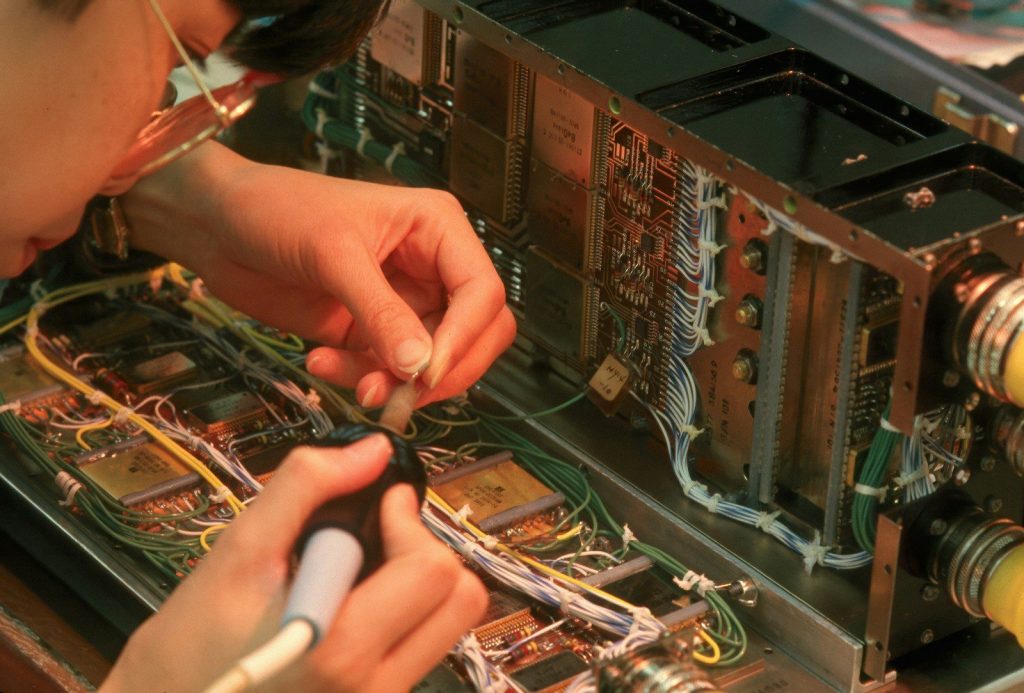
In our modern world, we are surrounded by technology. From the smartphones in our pockets to the complex servers hosting our Restful Web Services, almost everything is powered by invisible, persistent streams of electrons. Yet, to most people, the inner workings of a circuit board are as mysterious as magic. For a child, understanding this world can be daunting. In the past, learning electronics was a barrier-heavy endeavor involving dangerous soldering irons, messy piles of loose wires, and complex mathematical breadboards. Today, electronics discovery kits for kids have transformed this complex science into a safe, “snap-together” adventure that feels more like an immersive game than a physics lesson.
A high-quality electronics discovery kit removes the traditional barriers to entry. It allows young learners to build working alarms, FM radios, and motorized fans in minutes. By providing a physical, tactile introduction to electrical engineering, these kits do more than just entertain; they demystify the foundation of the 21st century’s most critical industries—from hardware optimization to the development of Node.js and TypeScript applications.
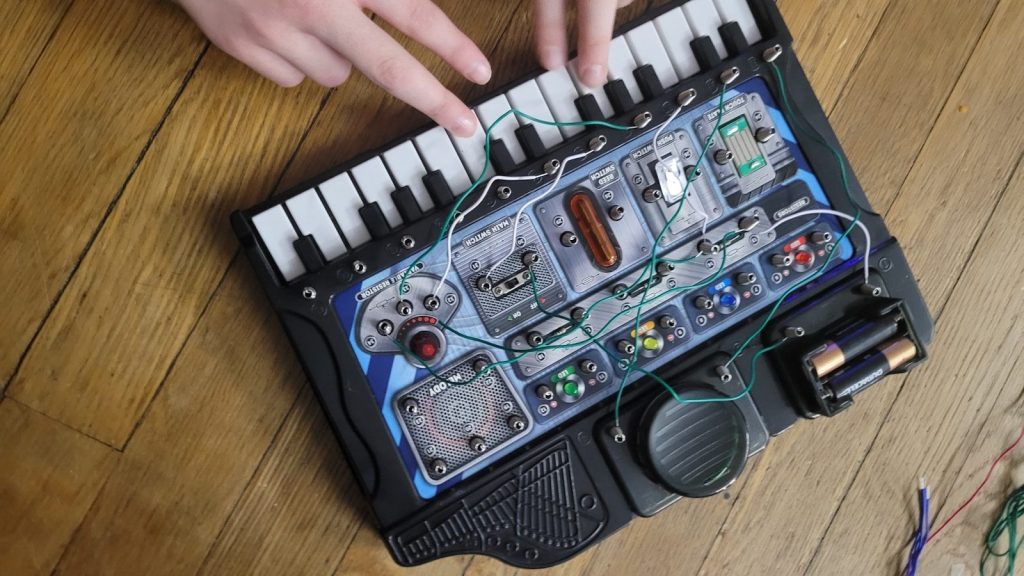
Seeing a circuit work for the first time creates a ‘lightbulb moment’ of pure discovery.
The Science of the Current: Understanding Ohm’s Law
At the heart of every electronics discovery kit is the fundamental physics of electricity. While kids might just be looking for the “snap” of the pieces, they are actually engaging with the core laws of the universe. One of the first concepts they encounter is the relationship between Voltage, Current, and Resistance, famously defined by Ohm’s Law:
$$V = I \times R$$
In this equation, $V$ represents the Voltage (the “pressure” from the battery), $I$ represents the Current (the actual flow of electrons), and $R$ represents the Resistance (the component that uses or restricts the flow, such as a lightbulb or a resistor). By building different projects, children see this math in action. They observe that adding more batteries (increasing $V$) makes a fan spin faster, while adding more resistors (increasing $R$) makes an LED grow dimmer. This is the hardware equivalent of optimizing system performance—an essential skill for any future developer interested in hardware performance and system optimization.
The “Snap-Together” Revolution
The brilliance of modern electronics discovery kits for kids lies in their modular design. Components like transistors, integrated circuits, and speakers are encased in durable plastic “bricks” or strips. These modules snap together using metal studs, ensuring a perfect electrical connection every time. This eliminates the “noise” of bad wiring and allows the child to focus entirely on the logic of the circuit. Much like using a Front-End Framework like Angular or React, these kits provide pre-built “components” that children must assemble into a functioning system.

Modular electronics allow kids to focus on logic and flow rather than the mechanics of soldering.
Top Projects: What Young Engineers Can Build
The versatility of these kits is what keeps children engaged for hours. A mid-range set might offer over 100 unique projects, while advanced kits can provide over 750 experiments. Each project acts like a new “feature” or “endpoint” in a software build.
- The Magnetic Switch Alarm: Using a reed switch, children can build a security system that triggers an alarm when a door (represented by a magnet) is opened. This introduces the concept of “Input/Output” logic.
- The FM Radio: By connecting an antenna module to a speaker and an adjustable capacitor, kids can tune into local stations in Da Nang or anywhere in the world. This teaches them how invisible waves are converted into data and sound.
- The Logic Gate Experiment: Advanced kits allow children to build “AND” and “OR” gates. This is the literal foundation of computer science. Understanding that a light will only turn on if Switch A and Switch B are closed is the first step toward writing complex Node.js logic or TypeScript decorators.
- The Sound-Activated LED: Using a microphone sensor, children can make a light flash in response to music or a clap. This demonstrates how environmental data can be captured and processed in real-time.
The “Debugger” Mindset: Developing Resilience
Electronics is a field of absolute, unyielding logic. If one component is reversed, or a single snap is loose, the project simply will not work. In this way, electronics discovery kits for kids are the ultimate masterclass in troubleshooting and debugging.
Learning from Failure
When a child flips the switch and nothing happens, they don’t see a “failure”—they see a “bug.” They must methodically trace the path of the current, just as a developer traces the flow of data through a Restful API.
- Is the battery pack correctly oriented?
- Is there a break in the “closed loop”?
- Is the LED (a diode) facing the right direction? (Diodes only allow current to flow one way).
This iterative process of testing and adjusting is identical to the development cycle of a project like typescript-book-web. It builds incredible persistence, a high attention to detail, and the logical reasoning skills necessary to thrive in Information Technology.
Color-coded components make it easy for children to identify and connect different electrical parts.
Choosing the Best Electronics Discovery Kit: A Selection Guide
To ensure a rewarding experience, it is vital to select a kit that matches the child’s age and technical curiosity. At zixstory, we recommend evaluating kits based on the following professional criteria:
- Component Variety: Ensure the kit includes a mix of power sources, resistors, capacitors, and integrated circuits. More variety means more “modpack” style experimentation, similar to the complex automation found in Minecraft Stoneblock 4.
- Manual Quality: The instructions should be colorful, 3D, and provide “the why” behind each connection. A great manual acts as the documentation for the hardware.
| Feature | Beginner Kits (Ages 5-8) | Advanced Kits (Ages 8-14) |
|---|---|---|
| Focus | Lights, fans, and simple sounds. | Radios, digital displays, and sensors. |
| Project Count | 20 – 100 Projects. | 300 – 750+ Projects. |
Conclusion: Powering the Future
An electronics discovery kit for kids is far more than a toy; it is an investment in a child’s understanding of the modern world. It demystifies the “magic” of technology and replaces it with the grounded confidence of an engineer. By providing the tools to build, test, and innovate, you are giving your child a massive head start in the 21st century’s most vital industries. Whether they grow up to design the next generation of global RAM optimization or develop sophisticated TypeScript platforms, the journey begins at the battery pack. Turn on the power and let your child’s scientific discovery begin today!
Frequently Asked Questions (FAQ)
Q: Are these kits safe? Can my child get an electric shock?
A: Safety is the #1 priority. These kits use low-voltage AA or AAA batteries (typically 1.5V or 3.0V). This voltage is too low to penetrate human skin, making it completely safe to handle. There is zero risk of a dangerous shock during normal play.
Q: What happens if we run out of projects?
A: The “open-ended” nature of these kits means the manual is only the beginning. Much like a full-stack developer experimenting with a new library, kids can create their own custom circuits once they understand the logic of the components.
Q: Do these kits require a computer?
A: No. Most discovery kits are completely stand-alone and “unplugged,” providing a necessary break from screens and gaming consoles like the ones used for Zenless Zone Zero. However, some “pro” versions can interface with an Arduino or Raspberry Pi for older children interested in coding.
Q: How do I maintain the kit?
A: Keep the metal studs clean. If the connections become dusty or oxidized, the current (the flow of electrons) might be restricted. A quick wipe with a clean cloth is usually enough to keep the “system” running at peak performance.
Q: Is there a specific brand recommendation?
A: We recommend looking for kits that emphasize modularity and include durable, color-coded parts. This makes it easier for the builder to visualize the Front-End of their creation while managing the Back-End circuitry.
